


OBDPortal
- Normaler Preis
- €1.499,00
- Verkaufspreis
- €1.499,00
- Normaler Preis
-
Der Versand wird an der Kasse berechnet.
Produkt1
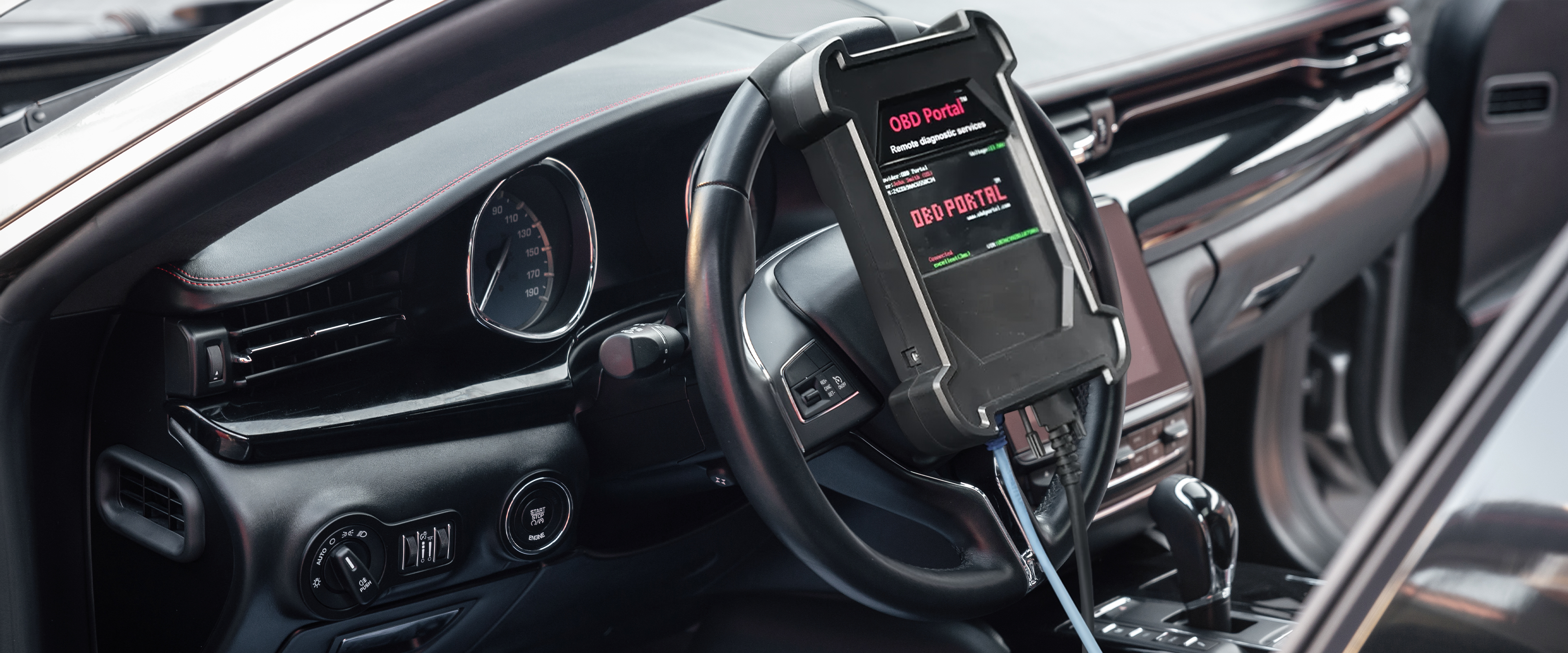
The OBDPortal is an advanced remote diagnostics device tailored for vehicle owners and service centers. It provides comprehensive vehicle assessments and programming capabilities without the burden of subscription fees, allowing you to pay only for the services you utilize. This innovative solution empowers users to maintain vehicle health efficiently, ensuring optimal performance across various car brands and models.
Not for sale for now — will be available in December.
Verfügbarkeit für Abholungen konnte nicht geladen werden


OBDPortal, Owned and Operated by OZCAR Electronics
Obdportal Remote Diagnostic
OBD Portal offers innovative remote diagnostics services for vehicle owners and service centers. Utilizing cloud-based technology, the system enables quick and reliable troubleshooting for various car brands and models. Our expert team analyzes the diagnostic records generated by the system and provides accurate solutions. This allows you to resolve technical issues with your vehicle without having to leave your location.

What Can OBD Portal Do ?
Advenced Diagnostics
Remote ECU diagnostics, real-time scanning, and professional vehicle analysis.
Online - Coding
Configure, unlock, and reprogram your vehicle's ECU remotely with expert coding.
Adaptation
Remote adaptation for throttle body, injectors, steering angle, and more.
Unlock SGW
Bypass Security Gateway restrictions for full diagnostic and coding access.
Fast Service
Get your vehicle back on the road quickly with our priority service team.
24/7 Online Service
Access professional remote services anytime with our 24/7 availability.
Quick and Easy Setup Guide
Installation Instructions
Set up your OBD Portal device in just a few simple steps.
1
Prepare for Installation
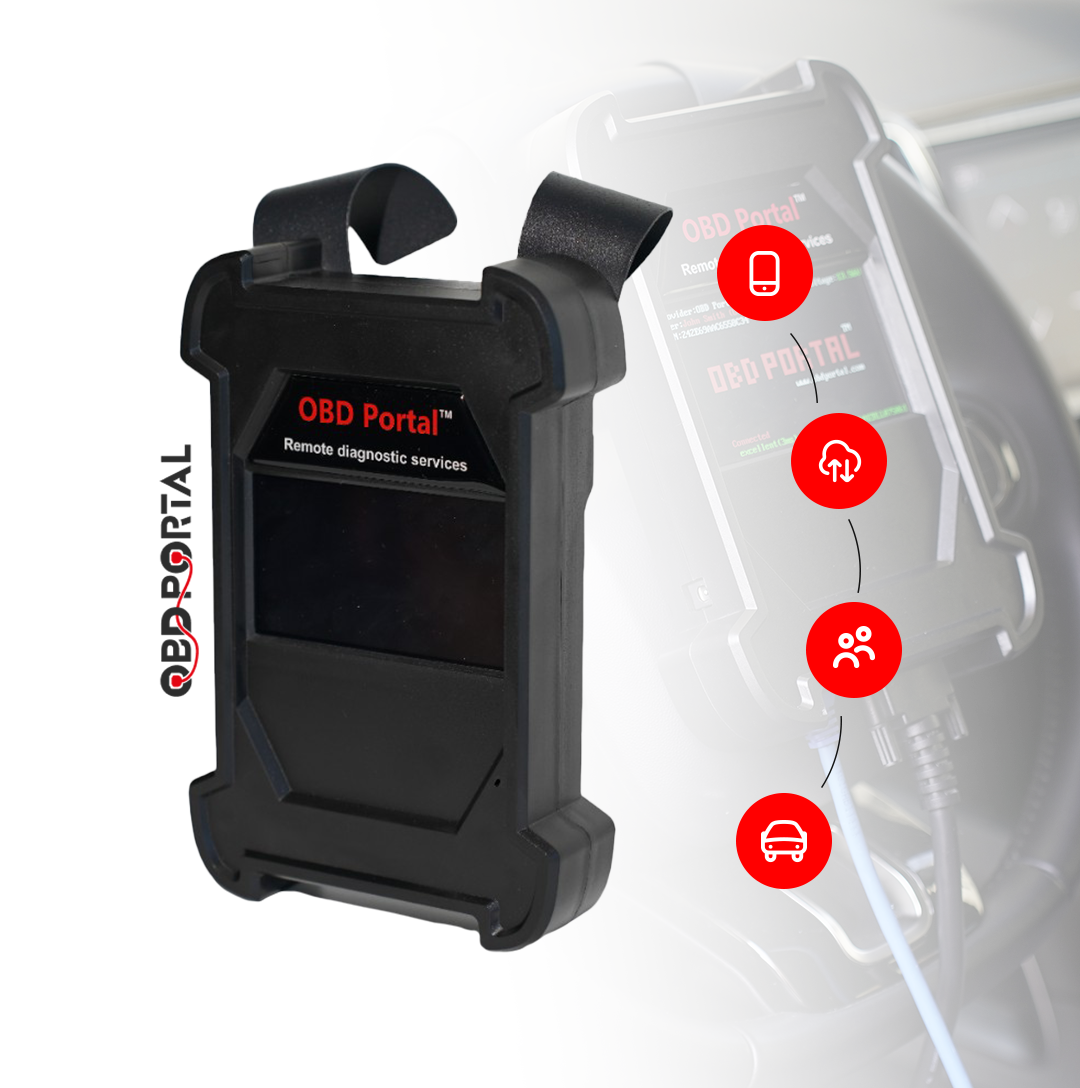
Materials Needed: ✔ OBD Portal device ✔ Ethernet cable ✔ Smartphone or tablet with the OBD Portal app installed ✔ Vehicle equipped with an OBD2 port
2
Device Setup
1. Locate the OBD2 Port: ✔ Identify your vehicle’s OBD2 port, typically found under the dashboard near the steering column. 2. Connect the OBD Portal Device: ✔ Firmly plug the OBD Portal device into the OBD2 port, ensuring a secure connection for reliable diagnostics.
3
Ethernet Connection
1. Connect Using Ethernet: ✔ Use the provided Ethernet cable to connect one end to the OBD Portal device and the other end to your internet router or modem. This connection guarantees stable communication for diagnostics.
4
Vehicle Power
1. Ignition Position: ✔ Turn the vehicle’s ignition to the "On" position without starting the engine. This step is crucial for the device to access vehicle data.
5
Application Setup
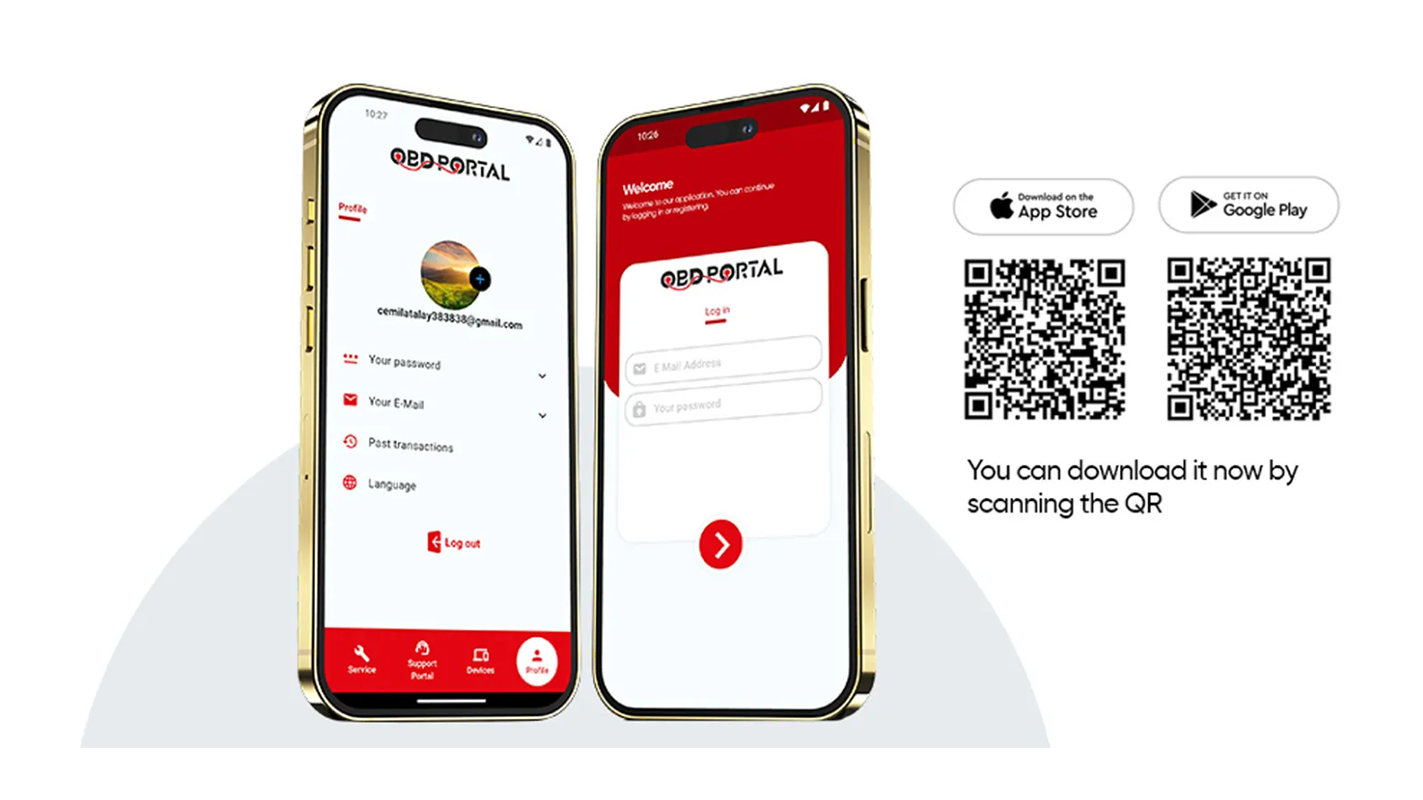
1. Download the OBD Portal App: ✔ If not already installed, download the OBD Portal app from your device’s app store (available for both iOS and Android). 2. Launch the App: ✔ Open the OBD Portal app on your smartphone or tablet.
6
Engage with Diagnostic Support
1. Initiate Chat with Operator: ✔ In the app, select the option to chat with a diagnostic operator. This will connect you with an expert who can assist you. 2. Provide Vehicle Information: ✔ Clearly communicate any issues you are experiencing with your vehicle or inquire about specific diagnostic needs. The operator will guide you through the process.
6
Diagnostics and Recommendations
1. Receive Expert Analysis: ✔ The operator will evaluate the diagnostic data collected from your vehicle and provide detailed results, recommendations for repairs, and any necessary actions to address issues effectively.

Key Features
Universal Compatibility:
Works with all vehicle brands and models.
Cloud-Based Technology:
Diagnostic reports are processed via the cloud, ensuring security and reliability.
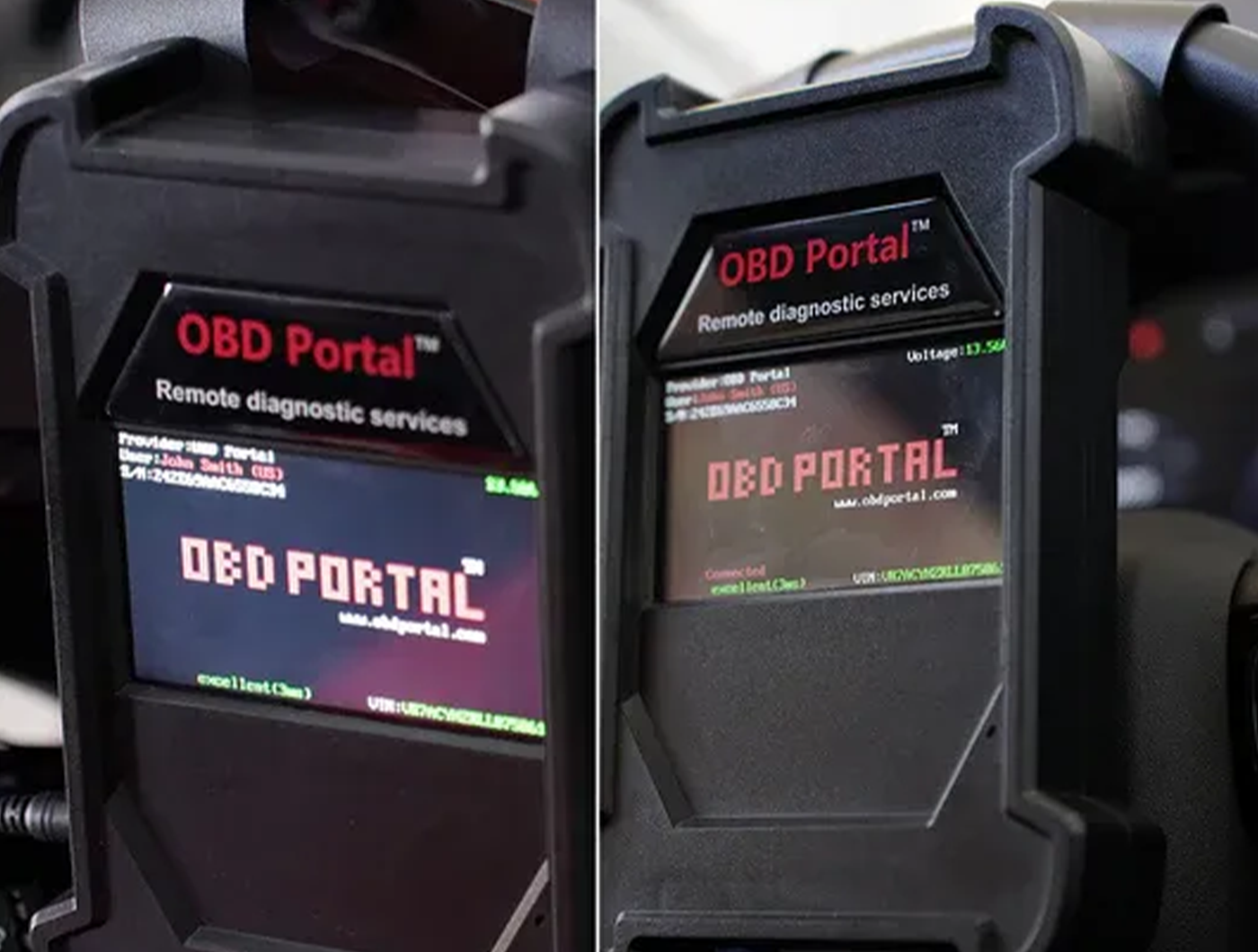
Display message
Here can be a short introduction to the image content.
User-Friendly:
Easy to set up and use with a mobile app for real-time access from anywhere.
Fast and Accurate Diagnosis:
Instant reporting with remote troubleshooting capabilities.
Mobile App Access:
Stay connected and manage diagnostics from your smartphone or computer.

OBDPortal, Owned and Operated by OZCAR Electronics
How OBDPortal Works ?
Seamlessly diagnose your vehicle from any location, eliminating the need for in-person visits.
Connect the OBD Portal device to the vehicle’s OBD port.
Access the portal via the mobile app or web platform.
Initiate the diagnostic process and send the data to the cloud.
Receive instant diagnostic reports and recommendations.
Smart Solutions
1. Remote Diagnostics:
Seamlessly diagnose your vehicle from any location, eliminating the need for in-person visits.
2. Programming Capabilities:
Easily update and modify your vehicle’s systems for enhanced functionality and performance.
3. No Subscription Fees:
Enjoy a straightforward payment model where you pay solely for the services accessed after purchasing the device.
4. Broad Compatibility:
Designed to work with a wide array of car brands and models, ensuring versatility and convenience.
5. User-Friendly Interface:
Navigate the app effortlessly, catering to both automotive professionals and everyday users.
Frequently Asked Questions
- Connect the OBD Portal device to the vehicle’s OBD port.
- Access the portal via the mobile app or web platform.
- Initiate the diagnostic process and send the data to the cloud for remote analysis.
- Receive instant diagnostic reports and recommendations.
Yes, OBD Portal is designed to work with all vehicle makes and models, regardless of brand or year.
Installation is simple. Just plug the OBD Portal device into your car’s OBD port, download the mobile app, and follow the step-by-step instructions. The setup takes only a few minutes.
All diagnostic data is encrypted and securely stored in our cloud servers, ensuring your information remains private and protected.